JPEG XL Now Works in Chrome, but Not in Google Images or Discover
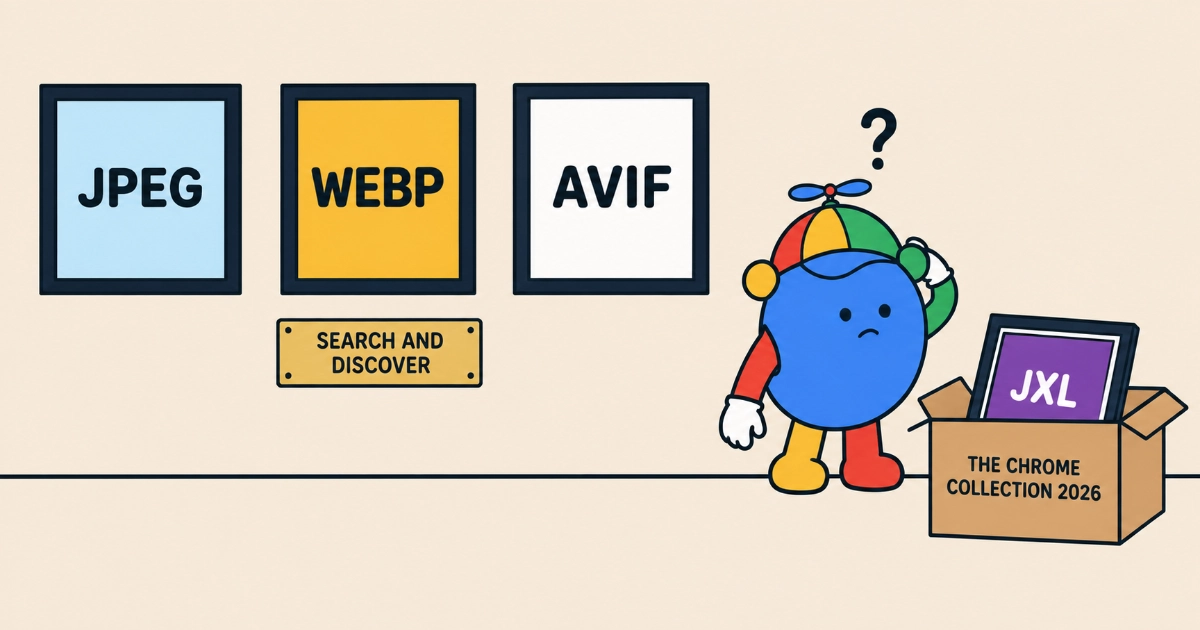
Chrome 155, which reached Chrome’s stable channel on 6 October 2026, displays JPEG XL (.jxl) images. Chrome’s team says the format compresses 30 to 50% better than JPEG and recommends testing it alongside AVIF. Google Search has not followed. “If you’re hoping to get images shown in Google Images & as previews in Discover, etc - JPEG-XL is currently not supported,” John Mueller, a Search Advocate at Google, posted on Bluesky on 15 October. Google’s image documentation lists the formats it supports in an <img> tag’s src as BMP, GIF, JPEG, PNG, WebP, SVG and AVIF.
If you adopt JPEG XL for its file sizes, add it as a <source> inside a <picture> element and keep one of the listed formats in the <img> src. Asked by Barry Pollard, a web performance developer advocate on Google’s Chrome team, whether Search handles that fallback, Mueller replied: “The picture element includes an img element, so that would work for any search engine (or other page parsing setup).” Google’s image documentation says the same: it finds images in an <img> src even inside a <picture> tag. A step that can go wrong is an image pipeline that converts everything to .jxl, because it can also rewrite the og:image and schema.org image URLs that Google’s Discover documentation says can influence the preview image. Keep those on a listed format too.
Plan for the fallback to stay. The last new format was slow to follow: Chrome began displaying AVIF in version 85 in August 2020, and Google Search announced support for it in August 2024.
Sources
- John Mueller on JPEG XL in Google Images and Discover, Bluesky
- Image SEO best practices, Google Search Central
- Google Discover documentation, Google Search Central
- JPEG XL in Chrome, Chrome for Developers
- AVIF Image Decode, Chrome Platform Status
- Supporting AVIF in Google Search, Google Search Central Blog (August 2024)
- Google Images & Discover Previews Don’t Support JPEG XL, Search Engine Journal
More news
-
Google Maps Moves the Business Profile Message Button Next to Call
On Google Maps for Android and iOS, a Business Profile's chat option now sits in a Message button beside Call, so a dead link or unread inbox is in plain view.
-
Restaurants Can Now Switch Off Third-Party Ordering Providers in Google Business Profile
Restaurants can now turn individual ordering providers off for pickup, delivery or both from the Business Profile dashboard, without asking the provider.
-
Google Tells Platforms to Keep Link-Shared Pages Out of Search
Google's user-generated spam guide now covers AI tools and share-link products, and says pages made for sharing should stay out of the index by default.