Google's Favicon Docs Confirm SVG Favicons Are Not Supported
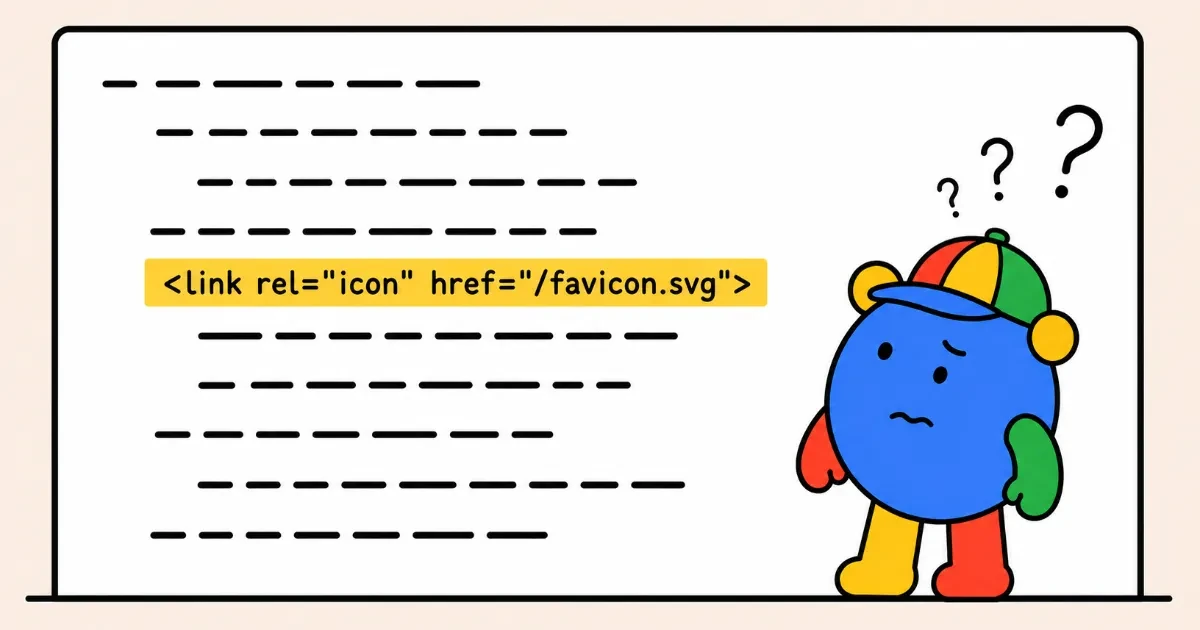
Google Search does not support SVG or WebP favicons. Its documentation, updated on 28 August 2026, now lists the seven image formats it does support: BMP, GIF, ICO, PNG, JPEG, PPM and TIFF.
This is a rule about favicons specifically, not a limit on what Google can decode. Google’s image guidelines list SVG and WebP among the formats Search supports for ordinary images, so the same file that works in an <img> element produces nothing as a site icon.
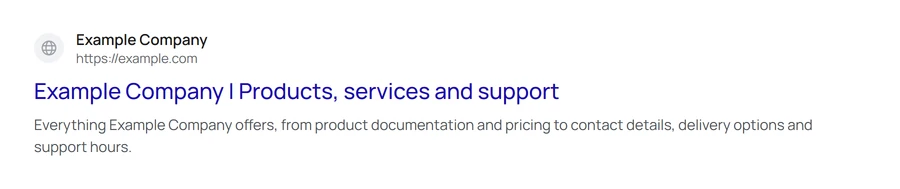
That matters most for SVG, because a single scalable icon is a common default in modern templates and framework starters. An SVG favicon renders perfectly in a browser tab, so a correct-looking tab is not evidence that Search can use the file. Where an SVG is the only icon a site declares, Google has nothing to display and falls back to a placeholder, in organic results and in AI Overviews and AI Mode citations alike.
The previous wording was less specific. It read “Any valid favicon format is supported”, with “valid favicon format” linking out to the Wikipedia article on favicons, which documents what browsers render, not what Google uses in its search results. That article carries a section headed “SVG favicons” describing them as well supported across modern browsers, and its format table gives SVG its own column. The wording had been in place for some time, appearing in Wayback Machine captures from June 2023, June 2024 and June 2025.
Google describes the update as a documentation change rather than a change in what Search supports:
Previously, the documentation linked to an external reference that evolved over time and caused ambiguity about which favicon file formats are actually supported in Google Search.
The check is quick. Right-click your home page, choose View page source, and search that page for rel="icon". If the only match points at an SVG, add a multi-size .ico or a PNG in one of the supported formats, and keep it at a stable URL, which Google’s guidelines also ask for.
Sources
More news
-
Google Tells Platforms to Keep Link-Shared Pages Out of Search
Google's user-generated spam guide now covers AI tools and share-link products, and says pages made for sharing should stay out of the index by default.
-
JPEG XL Now Works in Chrome, but Not in Google Images or Discover
Chrome 155 displays JPEG XL images, but Google Images and Discover previews do not support them. Keep a JPEG, WebP or AVIF fallback in the img tag.
-
Google Business Profile Adds Gluten-Free, Dairy-Free, Halal and Kosher Menu Badges
Restaurants can now tag menu items in Google Business Profile as gluten-free, dairy-free, halal or kosher, alongside the existing vegetarian and vegan badges.
