Google Stops Auto-Correcting Double-Escaped JSON-LD
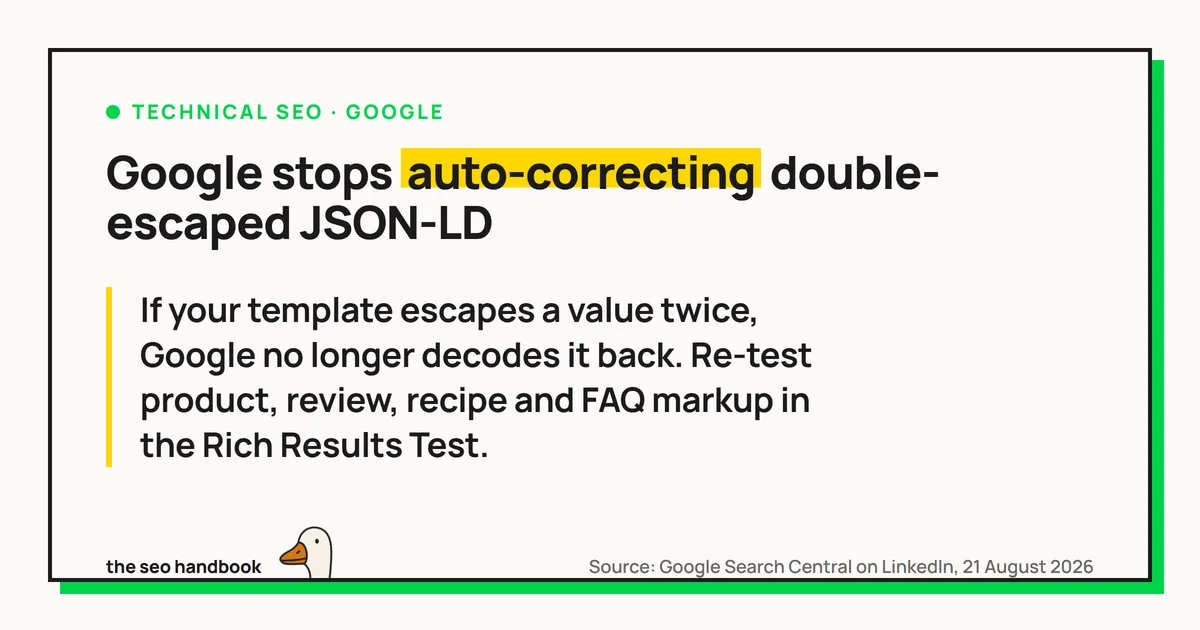
Googlebot has stopped tidying up badly escaped structured data. Escaping means writing a character in a substitute form so it does not break the code around it: in HTML an ampersand is written &. In a LinkedIn post on 21 August 2026 Google said it is “now only applying a single pass” of HTML unescaping when reading JSON-LD, to bring its parser in line with the JSON standard. Google’s Gary Illyes pointed to RFC 8259, which defines JSON string escaping.
Escaping twice is something a template or CMS does by accident, when it escapes a value that was already escaped upstream. & is correct in page text but not inside a <script> block, which is not parsed as HTML. That markup used to come out right, because Googlebot kept decoding until it ran out of layers. Google’s own two examples were an ampersand and a tick mark:
Your markup "Bodger &amp; Badger"
Google, before Bodger & Badger
Google, now Bodger & Badger
Your markup "In stock &#10004;"
Google, before In stock ✔
Google, now In stock ✔Nothing on your side changed, and nothing fails visibly: a property that used to populate a rich result can simply stop doing so.
One layer of escaping still decodes, though, so a single & is not what broke. These still reach Google as intended:
"Bodger & Badger"   →  Bodger & Badger
"In stock ✔"     →  In stock ✔
Neither is standard JSON. Both work only because Google decodes them for you, and that leniency is what is being reduced, so they are worth moving off.
Run a few templated pages through the Rich Results Test and check the extracted values read the way they should. Where they do not, the fix is upstream: find the step in your template that escapes an already-escaped value and remove it. Google’s instruction is to “update your code to standard JSON escapes or Unicode hexadecimal escapes (like \u0026)”, which means:
"Bodger & Badger"        plain character, no escape needed
"Bodger \u0026 Badger"   Unicode escape, same value

"In stock ✔"             plain character, no escape needed
"In stock \u2714"        Unicode escape, same value
The two numbers differ because HTML’s ✔ is decimal and a JSON escape hexadecimal; both are U+2714. Sites already emitting standards-compliant JSON-LD have nothing to do here.
Sources
More news
-
Google Tells Platforms to Keep Link-Shared Pages Out of Search
Google's user-generated spam guide now covers AI tools and share-link products, and says pages made for sharing should stay out of the index by default.
-
JPEG XL Now Works in Chrome, but Not in Google Images or Discover
Chrome 155 displays JPEG XL images, but Google Images and Discover previews do not support them. Keep a JPEG, WebP or AVIF fallback in the img tag.
-
Google Business Profile Adds Gluten-Free, Dairy-Free, Halal and Kosher Menu Badges
Restaurants can now tag menu items in Google Business Profile as gluten-free, dairy-free, halal or kosher, alongside the existing vegetarian and vegan badges.
