WordPress 7.2 Adds a /random/ Redirect, Switched On by Default
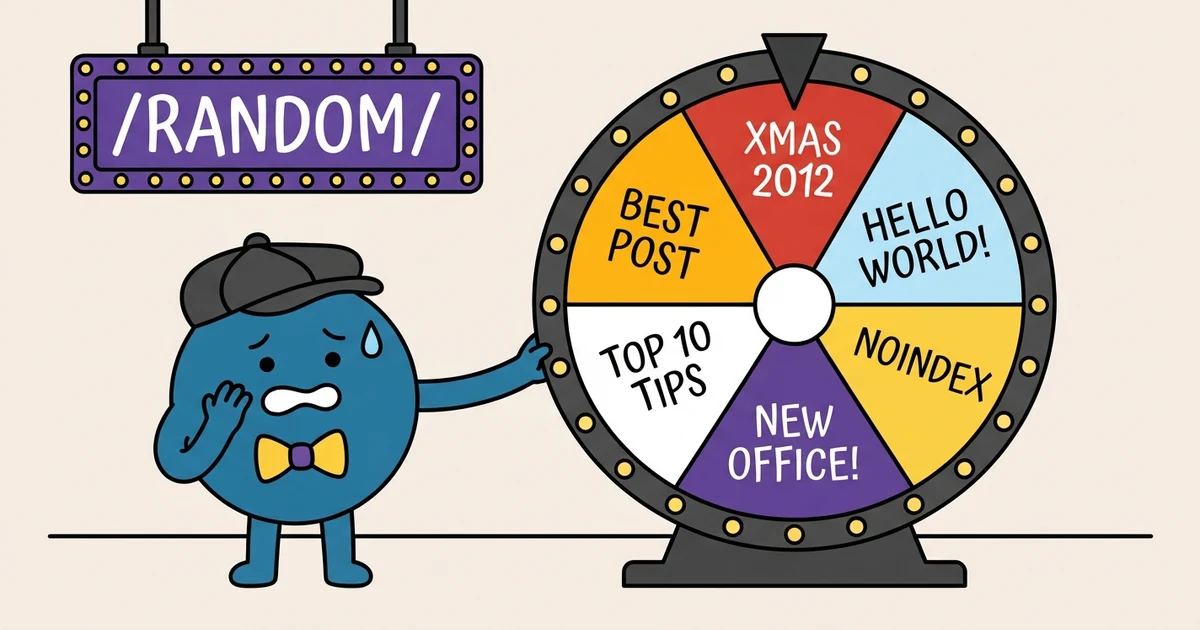
WordPress 7.2, scheduled for 8 December 2026, adds a public /random/ address that redirects to a randomly selected published post. It is on by default, and there is no switch for it in the dashboard. Variants work inside archives (/random/category/news/ picks from that category), and the ?random query variable does the same on the home page and archives.
Which posts can /random/ land on?
| Content | Can plain /random/ land on it? |
|---|---|
| Published post, no password | Yes, and every eligible post is equally likely |
| Noindexed post (published, no password) | Yes |
| Password-protected post | No |
| Page or attachment | Not by default |
| Post filtered out of the main blog query | Normally no |
| Custom post type | Only if a theme or plugin adds it to the main blog query |
A post from 2012, many pages deep in the blog listing, has the same odds as this week’s. By default, a custom post type that is publicly queryable and has an archive can also be reached through its own path, such as /random/books/.
Most eligible posts are already linked from the site’s blog hub, and the redirect uses the same query as the archive it draws from. The exception is a hub built as a separate page with its own list of posts, or a site with no hub: posts missing from that list can still come up.
WordPress does not check for noindex, and neither do the current WordPress.org versions of Yoast SEO, Rank Math, All in One SEO, SEOPress and The SEO Framework (code read on 23 November). The post keeps its noindex, and the 302 redirect carries its own X-Robots-Tag: noindex, follow.
What to check before updating to WordPress 7.2
- Review your older posts. Before the update is a good time to decide which need a content refresh and which to remove. Noindexing is one of the usual content pruning options, but it does not take a post out of
/random/. Deleting or unpublishing it does; a redirect on a post left published only adds a second hop. - Turn the feature off if you do not want it. Use a must-use plugin containing the filter below, then flush the rewrite rules (saving the Permalinks screen does this). Copy the filter name from here or the developer note: Search Engine Journal spotted that WordPress’s November developer roundup misspells it, and it still did on 24 November.
<?php add_filter( 'wp_enable_random_content_redirect', '__return_false' ); - Check for content your hub leaves out. That includes custom post types, which can be missing from the XML sitemap and still have a public archive. A developer can opt a type out with
'randomable' => false, or change the selection withwp_is_random_content_query()as the developer note shows. - Look for an existing
/random/URL. A published page with the slugrandomtakes precedence. To keep the page and the redirect, change the base in the new Random base field under Settings > Permalinks, which renames/random/but does not turn it off. If a plugin or redirect rule handles the URL, test it on a staging copy of 7.2.
The details could still change. Matt Mullenweg, the 7.2 release lead, commented under the developer note on 7 November that “it should not use page URL structure”. The redirect is still on by default in the third release candidate, released on 24 November.
Sources
- Your content is going to get more random, Make WordPress Core (developer note, 5 November 2026)
- query.php, WordPress development repository (23 November 2026)
- class-wp-post-type.php, WordPress development repository (23 November 2026)
- class-wp-rewrite.php, WordPress development repository (23 November 2026)
- Random content redirect tests, WordPress development repository (23 November 2026)
- Select random redirect posts by random post ID, WordPress development repository (17 November 2026)
- WordPress 7.2 Release Candidate 3, WordPress News
- WordPress 7.2 release schedule, Make WordPress Core
- What’s new for developers? (November 2026), WordPress Developer Blog
- WordPress 7.2 Arrives Dec. 8, Search Engine Journal
More news
-
Chrome 158's XSLT Warning Does Not Mean Your Sitemap Is Broken
Chrome 158 shows a formatting warning on many XML sitemaps, WordPress ones included. The file crawlers fetch has not changed. How to check it.
-
Google Publishes a Guide to Letting Google-Agent Past Bot Defences
Google's new crawling guide explains how to verify Google-Agent and let it through CDN, firewall and bot-detection rules, including CAPTCHAs and API endpoints.
-
Google Documents the Referer Values Its Search Traffic Sends
A new Google Search Central page lists the Referer values Google Search sends and why analytics will not match Search Console.