Google Business Profile Posts: Unverified Contact Details May Be Removed
Google has rewritten the contact-information rule in its Business Profile posts content policy. It now reads, “To avoid fraud or abuse, we may remove posts with unverified contact information. This includes phone numbers, email addresses, and social media handles.” The version archived on 31 August 2026 said, “To avoid the risk of abuse, we do not allow your post content to include a phone number.” Google’s help page on creating posts adds that a post with a phone number in its description “might get rejected if they cannot be verified as being connected to the business on which they are posted.” Hiroko Imai, a web consultant for small businesses and a Diamond Product Expert in Google’s Business Profile help community, spotted both edits, and Search Engine Roundtable reported them on 25 September.
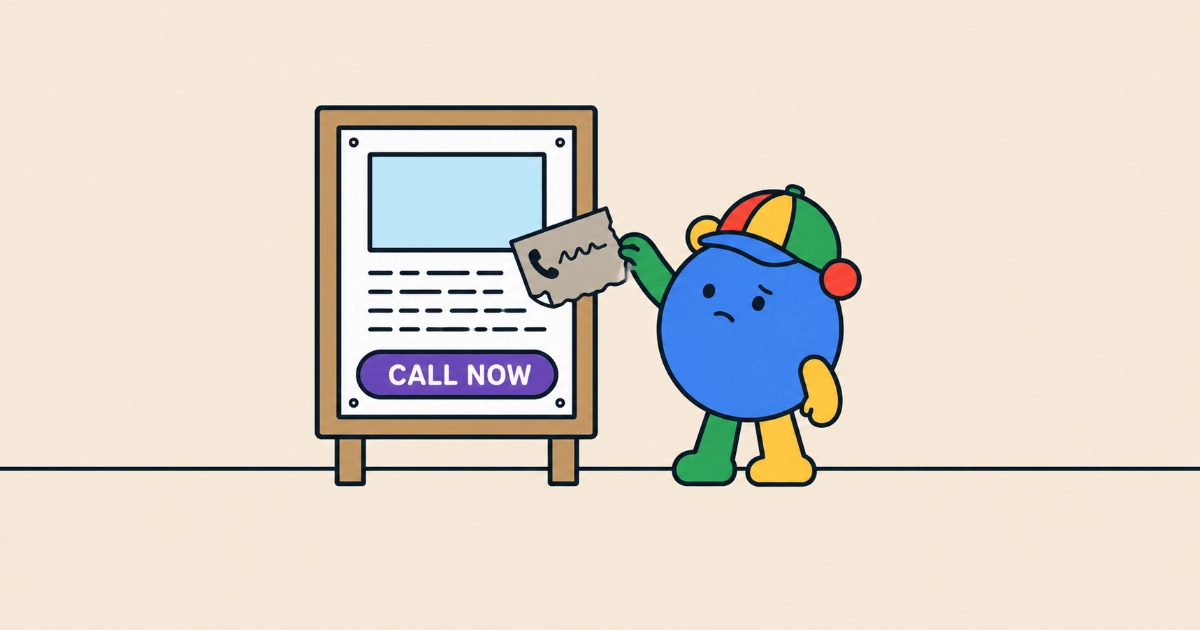
The change cuts both ways. Phone numbers move from a flat ban to a verification test, while email addresses and social handles, which the old wording did not mention, are now named as removable. Google does not say how it verifies a number, so the practical move is the one it documents: attach a Call now button, which “uses your verified Business Profile phone number”, rather than typing a number into the post copy. If a post needs to promote a different number, such as a bookings line, add it to the profile first through the profile edit flow, as the help page directs, so it has a chance of passing the check. Send people to email or social accounts through the post’s link button to your website instead of pasting handles into the text.
Sources
- Business Profile photos, videos & posts content policy, Google Business Profile Help
- Create & manage posts on your Business Profile, Google Business Profile Help
- Previous version of the posts content policy, Internet Archive (31 August 2026)
- Google Posts Cracks Down On Unverified Contact Information, Search Engine Roundtable
More news
-
Google Maps Moves the Business Profile Message Button Next to Call
On Google Maps for Android and iOS, a Business Profile's chat option now sits in a Message button beside Call, so a dead link or unread inbox is in plain view.
-
Restaurants Can Now Switch Off Third-Party Ordering Providers in Google Business Profile
Restaurants can now turn individual ordering providers off for pickup, delivery or both from the Business Profile dashboard, without asking the provider.
-
Google Tells Platforms to Keep Link-Shared Pages Out of Search
Google's user-generated spam guide now covers AI tools and share-link products, and says pages made for sharing should stay out of the index by default.