Google Releases an Embeddable Preferred Sources Button for Publishers
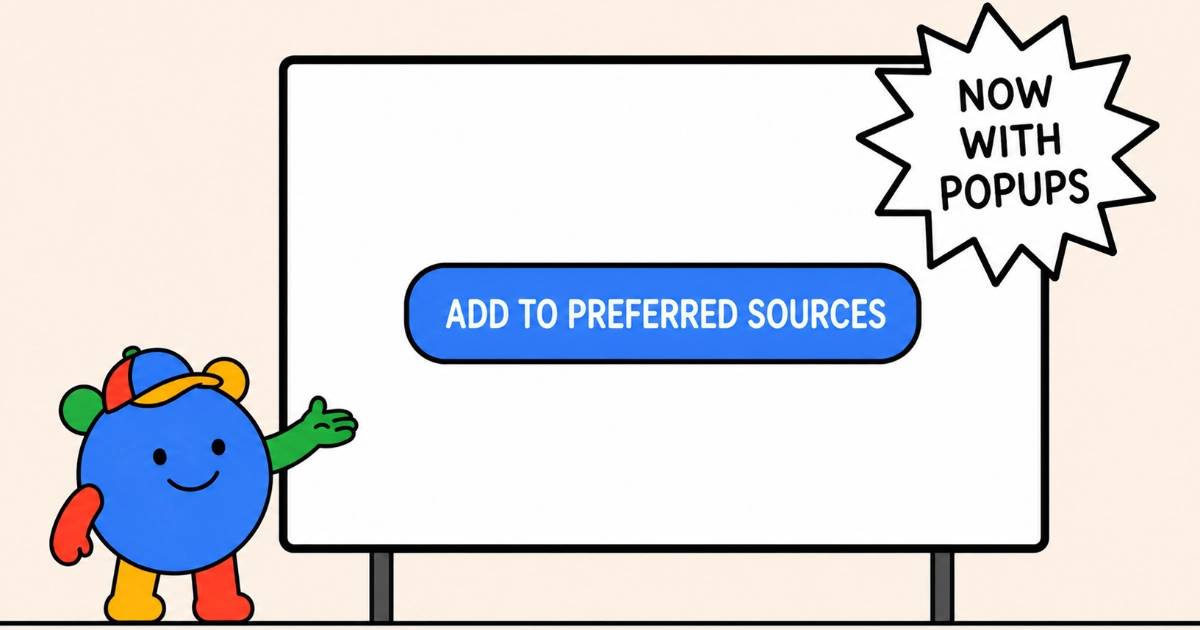
Google released an embeddable Preferred Sources button on 20 August 2026. Clicking it opens a small Google window carrying the site’s own name and favicon, reading “Add [publication] as a Preferred Source to see more of their content on Google Search” above a single Add button. Confirming closes that window and drops a toast on the page the reader was already reading: “Added. You’ll see more content from this source on Google Search.” The reader keeps their place, which the old deeplink to Google’s source preferences tool could not do. Google says more than 600,000 unique sources have been selected so far, up from 345,000 at the May expansion into AI Overviews and AI Mode.
How the button behaves for a reader
Two behaviours qualify how seamless that is. The confirmation is a genuine popup window rather than an in-page overlay, so a popup blocker is a failure mode the deeplink does not have. And a reader who has already added the site gets no dialogue at all: the window opens and closes immediately, and the toast reads “You currently see more content from this source on Google Search” instead. That is the right behaviour, and it means the button is not a reliable prompt for readers who acted on it once already.
The three ways to promote your site
The preferred sources documentation now lists three ways to promote your own site: the new standard JavaScript button, an advanced JavaScript mode for custom designs, and the existing deeplink to google.com/preferences/source?q=example.com. Google recommends the standard button, which is a script tag plus <div google-add-preferred-source-btn></div>, auto-localised and available in light or dark themes.
What the two-line install loads
Check what those two lines load before you add them. The script is 73 KB over the wire, which looks like the whole cost, but the button it renders is an iframe and that iframe loads Google’s Subscribe with Google interface bundle from gstatic.com. Measured on this site in a clean, signed-out browser: 23 requests and 470 KB in total, of which 73 KB lands on the page and 396 KB loads inside the frames. The interface bundle downloads twice, once in en_US and once in en_GB. A hidden four-pixel iframe loads alongside the visible button, and the page posts to play.google.com/log twice before the reader has touched anything.
What it does not do matters too, because the file’s contents imply more than its behaviour delivers. publisher.js is the full client for Google’s Reader Revenue Manager: paywalls, metering, offers and entitlements, regwall and newsletter signup prompts, reader surveys, and a Google Pay merchant flow. Read the source and you will find an advertising-cookie lookup and browser-storage calls in there. None of them fired. In a signed-out test the button set no cookies at all, and wrote nothing to the publisher’s localStorage or sessionStorage. Those paths belong to the subscription flows, which never run for a button.
Google has not said why the button ships inside a subscriptions library, but the arithmetic suggests an answer. News publishers using Reader Revenue Manager already load publisher.js on every page, so for them the script is a cost they are paying anyway. Adding the button to the existing library is close to free for that audience and expensive for everyone else.
What the button sends to Google
The privacy question is the embed itself rather than anything written to your domain. Repeating the test in a signed-in Chrome profile, the requests to news.google.com carried the reader’s Google session: __Secure-3PSID, __Secure-3PAPISID, __Secure-3PSIDTS and __Secure-3PSIDCC, the third-party variants Google sets to travel in exactly this kind of embed. That happens as the page loads, before the reader clicks anything. Switching the same profile to block third-party cookies stopped all four, and the button still rendered identically, so the identity transfer is not what makes it work. The button itself is a white pill reading “Add to Preferred Sources” with a Google logo, in both cases.
You also need news.google.com in script-src and frame-src, plus www.gstatic.com and fonts.gstatic.com. Injecting the script into this site with its own Content Security Policy in force produced zero requests: the policy blocked it outright, and an unstyled empty <div> is all a reader would have seen.
How to add the button without the payload
The advanced mode is the better fit for most sites. Adding preferred-sources-control="manual" to the script tag stops it initialising automatically, and you then call preferredSource.addPreferredSource() from your own button. Load the script on that click rather than on page load, and the library costs nothing until a reader actually opts in. The deeplink remains supported for anyone who would rather not run third-party JavaScript at all, and Google still publishes translated badge images to link from.
Sources
More news
-
Search Console Now Combines Traffic From Several Countries
Search Console's Performance report now lets you select several countries in one filter and see their Google Search traffic as a single combined total.
-
Google Shows How Long Crawling, Indexing and Search Result Changes Take
Gary Illyes showed Google's typical and slowest times for 23 crawling, indexing and serving processes, from URL discovery to core update recovery.
-
Google Defines Main Content and Calls Fabricated Author Profiles Deception
Google's people-first content guidance now defines main content, lists the four attributes raters judge it on, and calls fabricated author profiles deception.
