Site Update: View and Copy Pages as Markdown
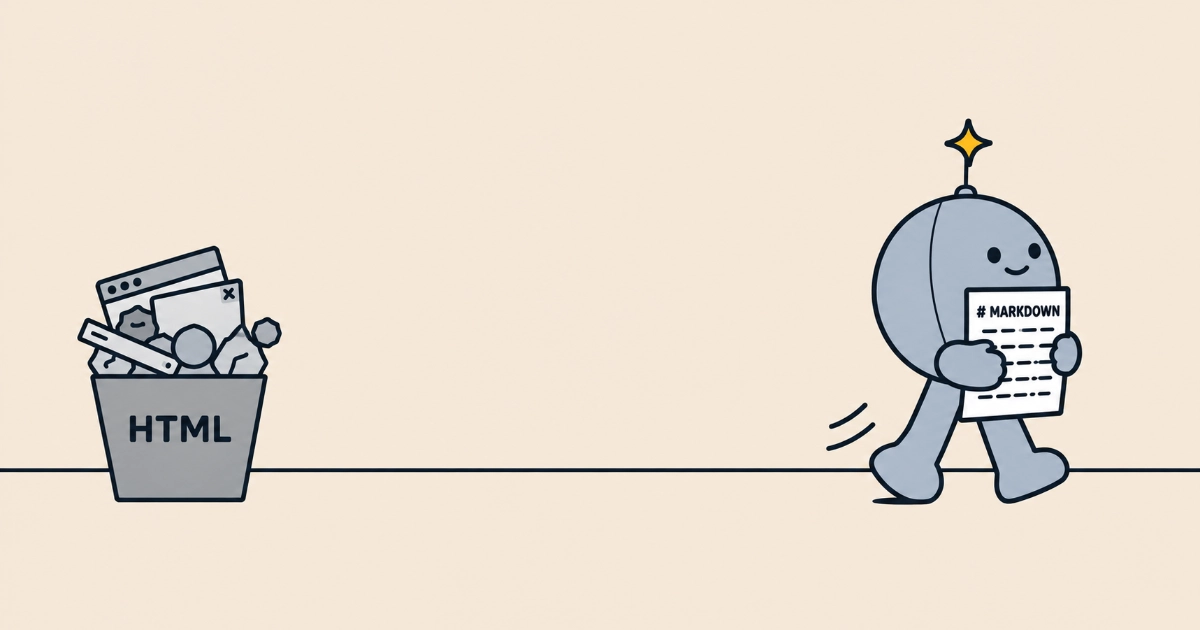
Every article, guide, pillar page and news story on The SEO Handbook, plus the glossary, now carries two controls beside its date: View as Markdown opens the page’s Markdown source, and Copy as Markdown puts it on your clipboard.
The Markdown keeps the headings, lists, links and footnotes and leaves out the navigation, styling and scripts around them, so a page pastes cleanly into an AI assistant, a notes app, a client brief or a doc. The copy opens with the page’s title, description, author and dates, so a pasted page still says what it is and how current it is.
Software can fetch the same file without the buttons. Replace a page’s trailing slash with .md (/ai-search/agent-readiness/ becomes /ai-search/agent-readiness.md), or request the normal URL with an Accept: text/markdown header. Each page advertises its Markdown version with a <link rel="alternate" type="text/markdown"> element, one of the two link relations llms.txt v2 formalised, and each Markdown file names the HTML page as its canonical, so search engines are pointed at the HTML version to index.
The files are there for agents and AI tools that retrieve pages, as part of making the handbook agent-ready, and for readers who want a clean copy. They are not a ranking tactic: there is no evidence yet that serving Markdown earns AI citations. Whether it is worth doing on your own site is covered in Markdown Pages for AI Agents.
Sources
More news
-
Cloudflare's AI Crawler Defaults Arrive, With a New Opt-Out That Protects Googlebot
Cloudflare's 15 September AI crawler defaults are live, alongside a new setting that lets sites opt out of AI training without blocking Google, Bing or Apple's search crawlers.
-
People Also Ask Answers Hit 97% AI-Generated, After April's Slump to 11%
AlsoAsked measured 97% of English PAA answers as AI-generated in early September, up from 11% in April. The same curve has reversed twice this year.
-
ChatGPT Now Cites Twice as Many Sources, and Listicles Lost Half Their Share
GPT-5.6 searches more and scopes searches to specific domains. Listicles and comparison pages lost citation share, but the pool they compete in doubled.
